
Social networking: Why your “likes” don’t fill your bank account (and what to measure instead)
24 March 2025
The keys to successful B2B event communication: how to attract, engage and retain your audience
18 May 2025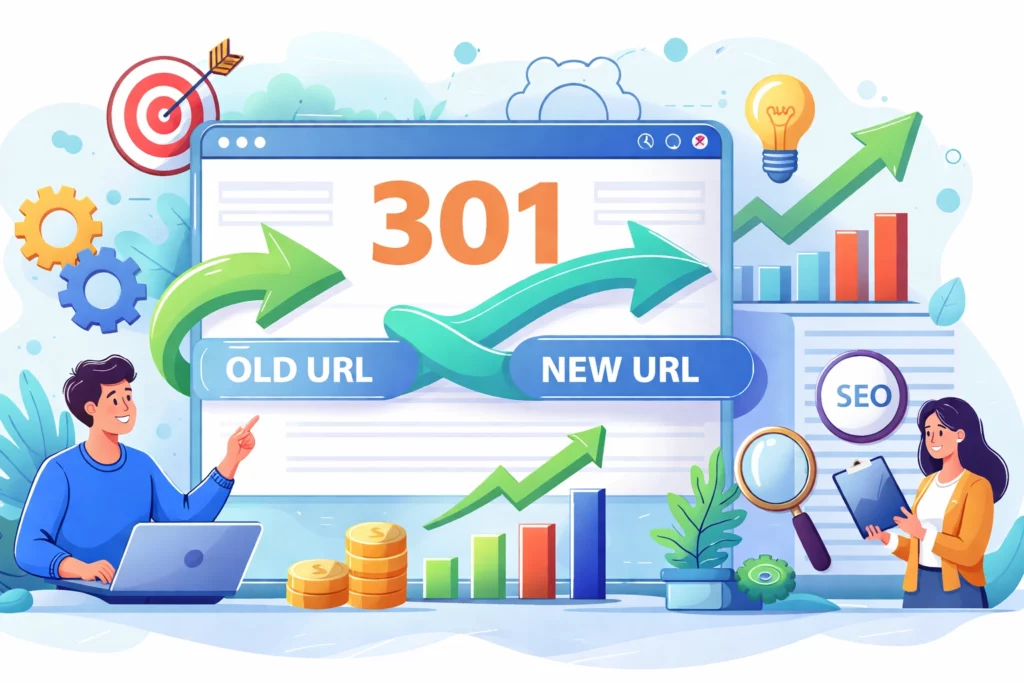
Have you decided to redesign your website? Change your domain name? Or simply reorganize your URLs to make them look cleaner? Great idea… but wait a second. If you don’t manage this transition properly, you risk seeing your organic traffic plummet overnight. 😱
The good news? There’s a simple and effective solution: 301 redirection. It’s literally your website’s GPS telling Google (and your visitors), “Hey, this page has moved, follow me this way!”
In this comprehensive guide, we’ll take a look at everything you need to know about 301 redirects, so you can migrate your site with complete peace of mind.
📌 Key Takeaways
- A 301 redirect is a permanent move: it tells search engines that your content has definitively changed address.
- It preserves your SEO: up to 90-99% of the authority (PageRank) of the old URL is transferred to the new one.
- It protects the user experience: no more frustrating 404 errors for your visitors.
- It is indispensable for migrations: domain changes, site restructuring, content mergers.
- Beware of chain redirects: they slow down your site and dilute your SEO.
What exactly is a 301 redirect?
A 301 redirect is an HTTP status code that stands for “Moved Permanently”. In simple terms, it’s an instruction you give your server to say, “This URL no longer exists here, send everyone to this new address.”
When a user or Google bot tries to access the old URL, the server automatically detects the 301 code and instantly redirects to the new destination. It’s transparent, fast and above all… painless for your SEO.

301 vs 302: what’s the difference?
It’s THE question we’re often asked at DS Overseas. Here’s the short answer:
| Type | Meaning | SEO transfer | When to use it |
|---|---|---|---|
| 301 | Permanent | ✅ Yes | Final migration |
| 302 | Temporary | ❌ No | Maintenance, A/B testing |
If your change is permanent, always use a 301. Period.
Why is a 301 redirect crucial for your SEO?
Imagine you’ve spent months building up the authority of a page. Dozens of backlinks point to it, it’s ranking well on Google… and you decide to delete it or change its URL without redirecting.
The result? All that work goes up in smoke. 💨
1. Link Juice transfer
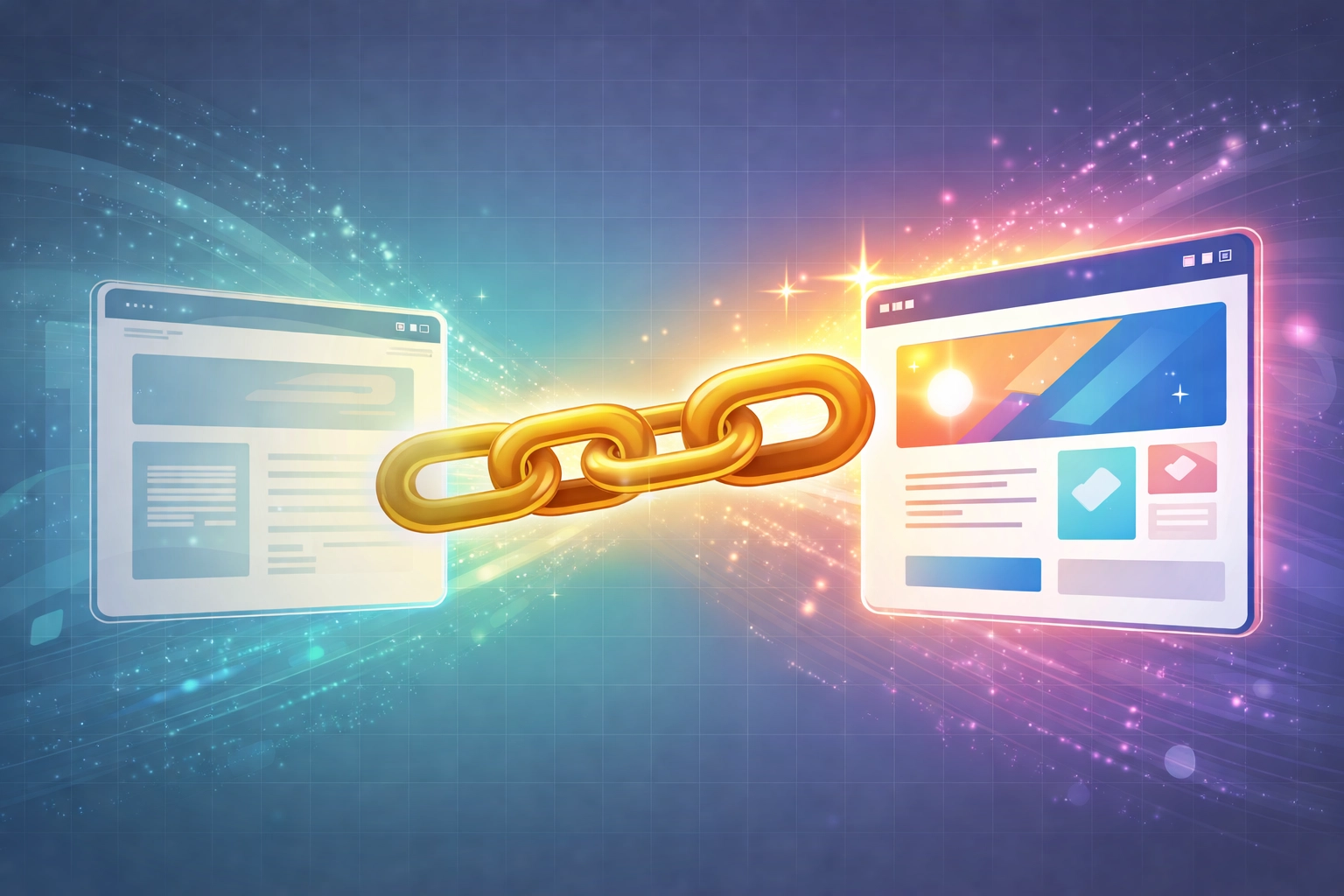
The main advantage of a 301 redirect is that it transfers almost all thelink equity from the old page to the new one. In concrete terms, if your old article had 50 quality backlinks, these links will continue to boost your new URL instead of pointing to a 404 error.
2. Preserving PageRank
Google understands that a page redirected in 301 is not a new page, but a continuation of the old one. Your ranking history, your authority, your reputation… everything is preserved.
3. Optimization of crawl budget
Google’s robots have a limited amount of time to devote to your site (known as the crawl budget). By setting up clean 301 redirects, you avoid Googlebot wasting time on pages that no longer exist.
4. Protecting the user experience
There’s nothing more frustrating than a visitor who clicks on a link and lands on a 404 error page. With a 301 redirect, your users land directly on the right content. The result: fewer bounces, more engagement, and indirectly… better SEO.
When to use a 301 redirect?
301 redirects aren’t just for large-scale migration projects. Here are the most common cases where they become indispensable:
🔄 Website migration
Switching from an old CMS to a new one? Completely overhauling your site’s architecture? This is THE critical moment. Every old URL needs to be mapped to its new counterpart.
🌐 Change of domain name
You go from ancien-site.com à nouveau-site.com ? Without 301 redirects, you start from scratch SEO-wise. With them, you keep your SEO capital.
📝 Merge similar items (anti-cannibalization)
Do you have 3 articles on the same subject competing with each other on Google? Merge them into one complete article and redirect the old ones to the new one. It’s a powerful strategy for boosting your rankings.
🔧 Correction of poorly structured URLs
Your URL looks like this site.com/article?id=12345 and you want to switch to site.com/nom-article-optimise ? 301 redirection is your best friend.
🗑️ Remove obsolete content
Rather than letting a dead page generate 404 errors, redirect it to similar content or to your home page.
Best practices for successful 301 redirects
Setting up a 301 redirect is good. Doing it correctly is better. Here are the golden rules to follow:
✅ 1. update your internal links
Don’t just create redirects. Take the time to modify all your internal links so that they point directly to the new URLs. This avoids unnecessary redirects and speeds up loading.
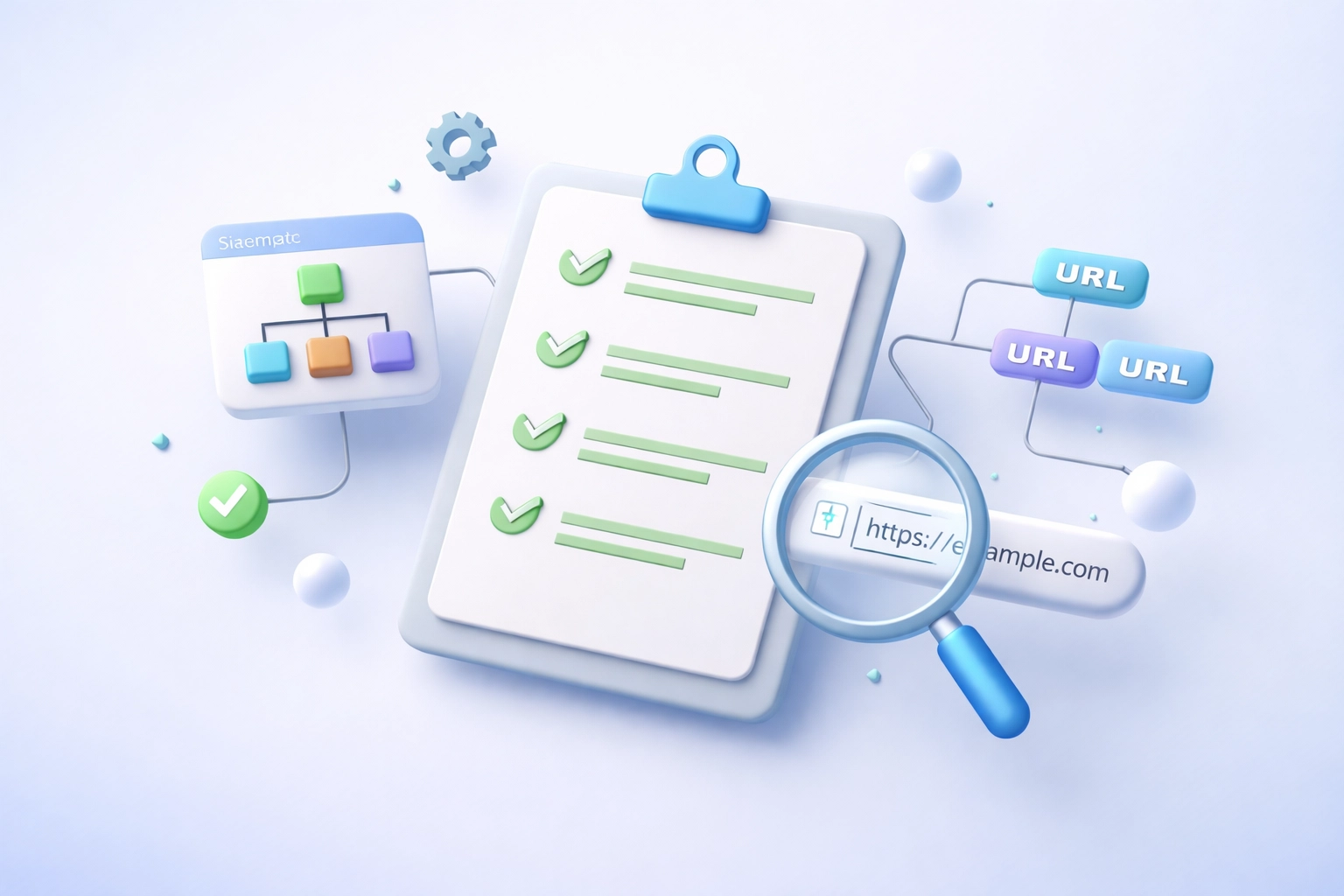
✅ 2. Clean up your XML sitemap
Your sitemap should only contain active URLs, not redirected URLs. Update it and submit it to Google Search Console.
✅ 3. Avoid redirect chains
A redirect chain is when A redirects to B, which redirects to C, which redirects to D… Each additional hop slows down loading and dilutes your SEO. The rule: one redirect maximum.
✅ 4. Redirect to relevant content
Don’t redirect an article on “marketing trends 2024” to your home page. Find or create a page with similar content.
✅ 5. Monitor with Google Search Console
After migration, keep an eye on the coverage reports in Search Console. You’ll quickly see if any 404 errors appear.
Mistakes to avoid
Even the pros sometimes make mistakes. Here are the most common ones:
- Use a 302 instead of a 301: you lose all the SEO benefits.
- Forget to redirect certain pages: perform a complete audit before migration.
- Create redirection loops: A to B, B to A… this crashes the browser.
- Remove redirects too soon: keep them active for at least 1 year, while Google assimilates the changes.
How can DS Overseas help you?
At DS Overseas, we regularly help our customers with site migrations and technical SEO optimization. Our aim? To guarantee a smooth transition without any loss of traffic.
Whether you need an audit of your current URLs, a complete redirection plan or technical support to implement your 301s, our team is here for you. We’ll take care of the technical stuff, so you can focus on your business. 🤝
Discover our achievements in our web design category to see how we help our customers succeed with their digital projects.
In a nutshell
301 redirection is not a technical detail reserved for developers. It’s a strategic tool that can make the difference between a successful migration and an SEO disaster.
Remember the essentials:
- Use it for all permanent URL changes
- It transfers your SEO authority
- It protects your visitors from 404 errors
- Avoid chains and loops
- Monitor your performance after implementation
With these best practices in mind, you’re ready to switch URLs without stress. And if you need a hand, you know where to find us! 😉