
How to choose the best electronic signature tool for your e-mails
19 July 2023
Optimize your results with Google AdWords: The benefits of a successful advertising campaign
10 September 2023
Google My Business is an online management platform from Google, designed specifically for local businesses. It enables business owners to create and manage their online presence on Google, in particular on Google Search and Google Maps. Here are some of the main features of Google My Business:
Business card: You can create a detailed business card that includes information such as address, opening hours, telephone number, website, photos, reviews and other relevant information.
Appearance in search results: Once you’ve set up your company listing, it can appear in Google search results when users search for products or services similar to those you offer.
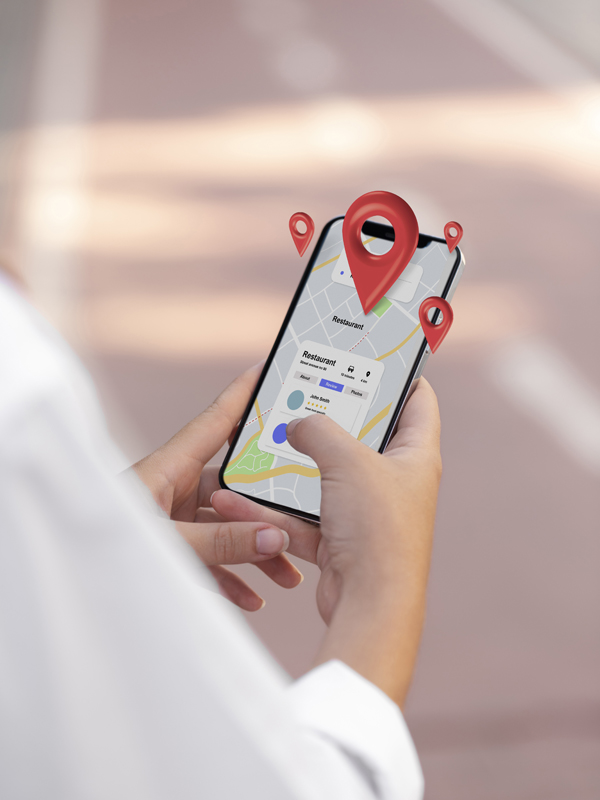
Display on Google Maps: Your company also appears on Google Maps, enabling users to find your exact location, find out how to get there, and view important information such as reviews.
Customer reviews: Customers can leave reviews and ratings about your company, which can influence how potential customers perceive you.
Statistics and insights: Google My Business provides statistics on how users interact with your listing, which can help you understand how your business is discovered online.

Importance of Google My Business
Google My Business is important for businesses for several reasons:
Online visibility: It offers local businesses crucial online visibility. When users search for local products or services, a well-optimized Google My Business listing can increase the chances of your business being found.
Credibility: A well-maintained Google My Business listing with positive reviews can boost your company’s credibility in the eyes of potential customers.
Essential information: Provides customers with essential information, such as location, opening hours and contact numbers, which can help encourage face-to-face visits.
Useful statistics: information on user engagement and business form performance can help you make informed decisions to improve your online presence and customer service.
Free and easy to use: Google My Business is a free, user-friendly platform, making it an accessible tool for small businesses on a budget.

How to optimize your Google My Business listing for better visibility
Optimizing your Google My Business listing is essential to improving your online visibility and attracting more local customers. Here are a few steps you can take to optimize your listing:
Create or claim your card:
If you don’t already have a Google My Business listing, create one.
If your business already exists on Google Maps, claim it so you have full control over the information.
Update your basic information :
Make sure your name, address, telephone number (NAP) and opening hours are accurate and consistent with the information on your website and other online platforms.
Choose the right category:
Select the business category that best corresponds to your activity. Be specific, as this helps users find you in their searches.

Add quality photos:
Upload high-resolution images of your company, team, products and services. High-quality photos can attract users’ interest.
Use relevant keywords:
Include relevant keywords in your company description, but do so in a natural way. Keywords help improve your listing’s ranking in search results.
Be active on Google Posts:
Use Google Posts to share news, special offers, upcoming events and more. This can help keep your listing up to date and attract users’ attention.
Ask for advice :
Encourage your satisfied customers to leave positive reviews on your site. Positive reviews reinforce your company’s credibility and can influence potential customers’ decisions.
Optimizing your Google My Business listing is crucial for local visibility. Make sure your information (name, address, phone number, opening hours) is accurate and up-to-date. Post regular updates: offers, events, photos of your establishment to maintain engagement. Actively encourage customer reviews, as they reinforce your credibility. Always respond to reviews, whether positive or negative, as it shows you care. Use Q&A to anticipate queries and provide useful information. Use statistics to understand your audience and optimize your presence.
Reply to opinions and questions :
Respond quickly to customer opinions, questions and concerns. This shows that you care about your customers and take their feedback seriously.
Use structured data :
Add structured data to your listing to improve the way your company’s information is displayed in search results, including star ratings, opening hours and more.
Follow the statistics :
Use Google My Business tracking tools to monitor the performance of your listing, such as the number of views, clicks and route requests. Use this data to make ongoing improvements.
Optimize for mobile :
Make sure your listing is optimized for mobile devices, as many users consult this information on the move.
By following these optimization tips, you can improve your company’s visibility on Google My Business, attract more local customers and strengthen your online presence.
In short, Google My Business is an essential tool for local businesses looking to improve their online visibility, interact with customers and boost their credibility on the web.
Conclusion
In short, Google My Business is an essential tool for local businesses looking to improve their online visibility, interact with customers and boost their credibility on the web.