
Shadow Banning: Why your posts have become invisible (and what to do about it)
20 November 2024
Content recycling: How to do 10 times more with 10 times less effort (The pros’ secret)
31 January 2025
WordPress powers over 43% of all websites worldwide. But here’s the catch: installing WordPress isn’t enough to appear on Google. This CMS is powerful and flexible, but not “SEO-ready” by default. To turn your site into an organic traffic-generating machine, you need to get your hands dirty.
In 2026, the SEO landscape has evolved. Between AI-generated summaries, voice search and no-click results, your WordPress strategy needs to be sharper than ever. This guide tells you exactly how to optimize every aspect of your site to dominate search results.
To remember from this article
- WordPress requires precise technical configuration to be indexed correctly by Google
- SEO plugins (Yoast, Rank Math) automate 80% of technical work without touching the code
- Loading speed and mobile optimization are now priority ranking factors
- A logical architecture with internal meshing multiplies your chances of appearing in featured snippets
- Quality content is still king, but must be structured to respond to voice queries and AI.
Foundations: the adjustments that change everything
Check your site’s visibility
The first step, often overlooked, is to ensure that Google can actually crawl your site. Go to Settings > and check that the option “Ask search engines not to index this site” is unchecked. It’s silly, but ticking this box by mistake blocks the indexing of thousands of sites every year.

Installing an SSL certificate
In 2026, HTTPS is no longer an option, it’s an obligation. Google actively penalizes non-secure sites. Contact your web host to activate a free SSL certificate (usually Let’s Encrypt), then force HTTP redirection to HTTPS via your security plugin or .htaccess file.
Clean up your permalinks
By default, WordPress generates URLs of the type www.monsite.com/?p=123. Catastrophic for SEO. Go to Settings > Permalinks and select “Publication title” to get clean URLs like www.monsite.com/mon-article-seo. This structure allows you to integrate your keywords naturally into the URL.
SEO plugins: your optimization arsenal
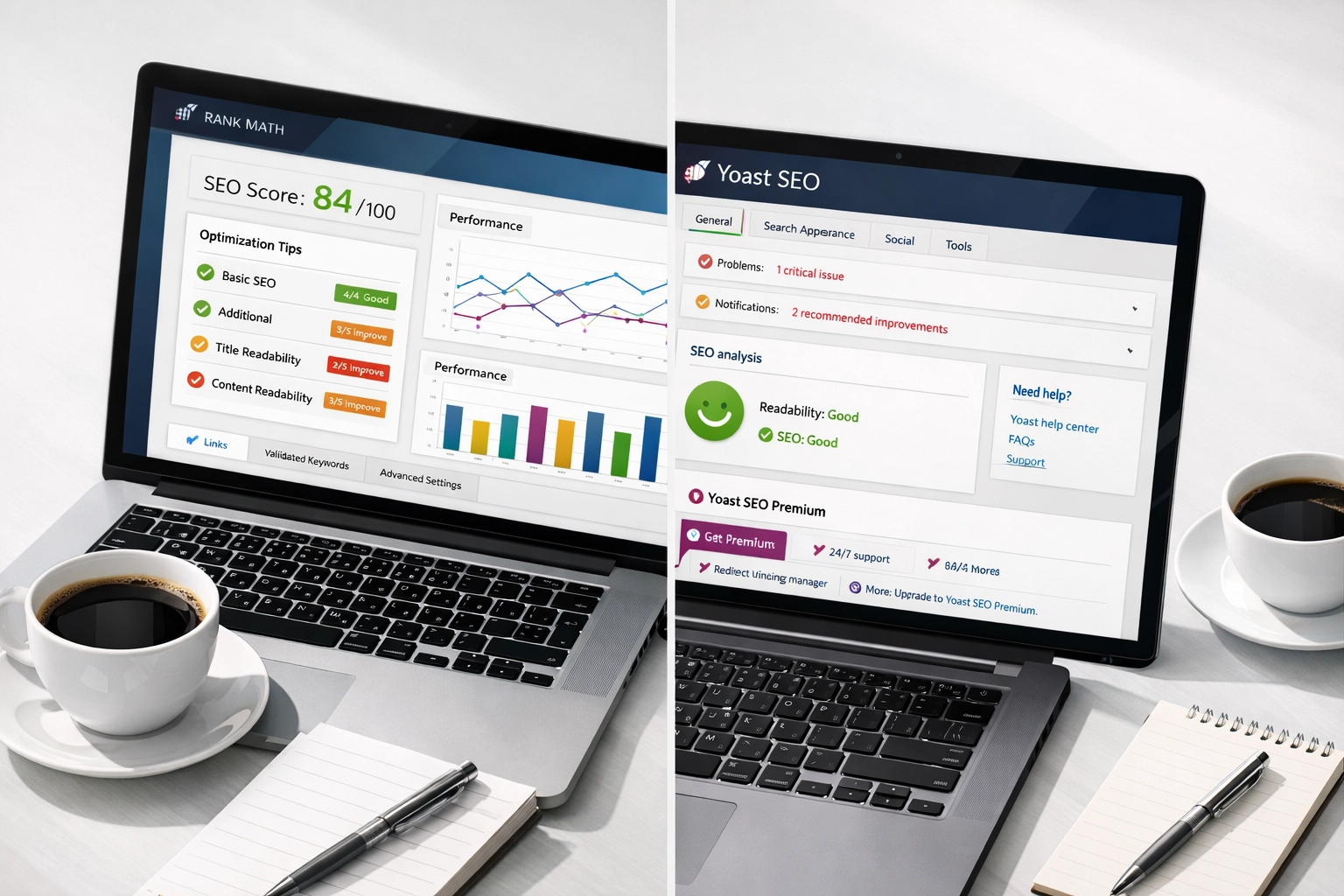
An all-in-one SEO plugin is a must. The three market leaders in 2026 are Rank Math, Yoast SEO and All in One SEO (AIOSEO). These tools allow you to :
- Define your SEO titles and meta-descriptions without touching the code
- Automatically generate an XML sitemap to facilitate indexing
- Managing canonical tags to avoid duplicate content
- Configuring schema markup data for rich snippets
- Monitor broken links and 404 errors
Our recommendation from DS Overseas? Rank Math for its power and comprehensive free version. But most importantly: choose ONE and configure it correctly. Installing three SEO plugins at the same time creates conflicts and slows down your site.
Architecture and navigation: thinking like Google
The silo structure
Google loves well-organized sites. Adopt a silo architecture: your content is grouped by coherent themes, linked together by strategic internal links. For example:
Main page: “Digital marketing
- Article 1: SEO
- Article 2: SEA
- Article 3: Social Media
Each sub-category article links to the anchor page AND to other related articles. This structure improves your “topical authority” and helps Google understand your expertise.
Activate breadcrumbs
Le fil d’Ariane (Home > Blog > SEO > WordPress SEO) improves user experience AND SEO. It facilitates navigation, reduces bounce rate and appears directly in search results. Most modern themes integrate it natively, or activate it via your SEO plugin.
Technical performance: speed as a ranking factor
Optimize loading speed
Google has confirmed it: speed is a direct ranking factor. A site that loads in more than 3 seconds loses 53% of its mobile visitors. Concrete actions:
- Choose a high-performance hosting provider (avoid €3/month shared hosting)
- Install a cache plugin (WP Rocket, W3 Total Cache)
- Optimize your images: compress them before uploading (WebP formats recommended)
- Minimize CSS and JavaScript via your performance plugin
- Use a CDN to serve your static resources

Mobile optimization: 60% of your traffic
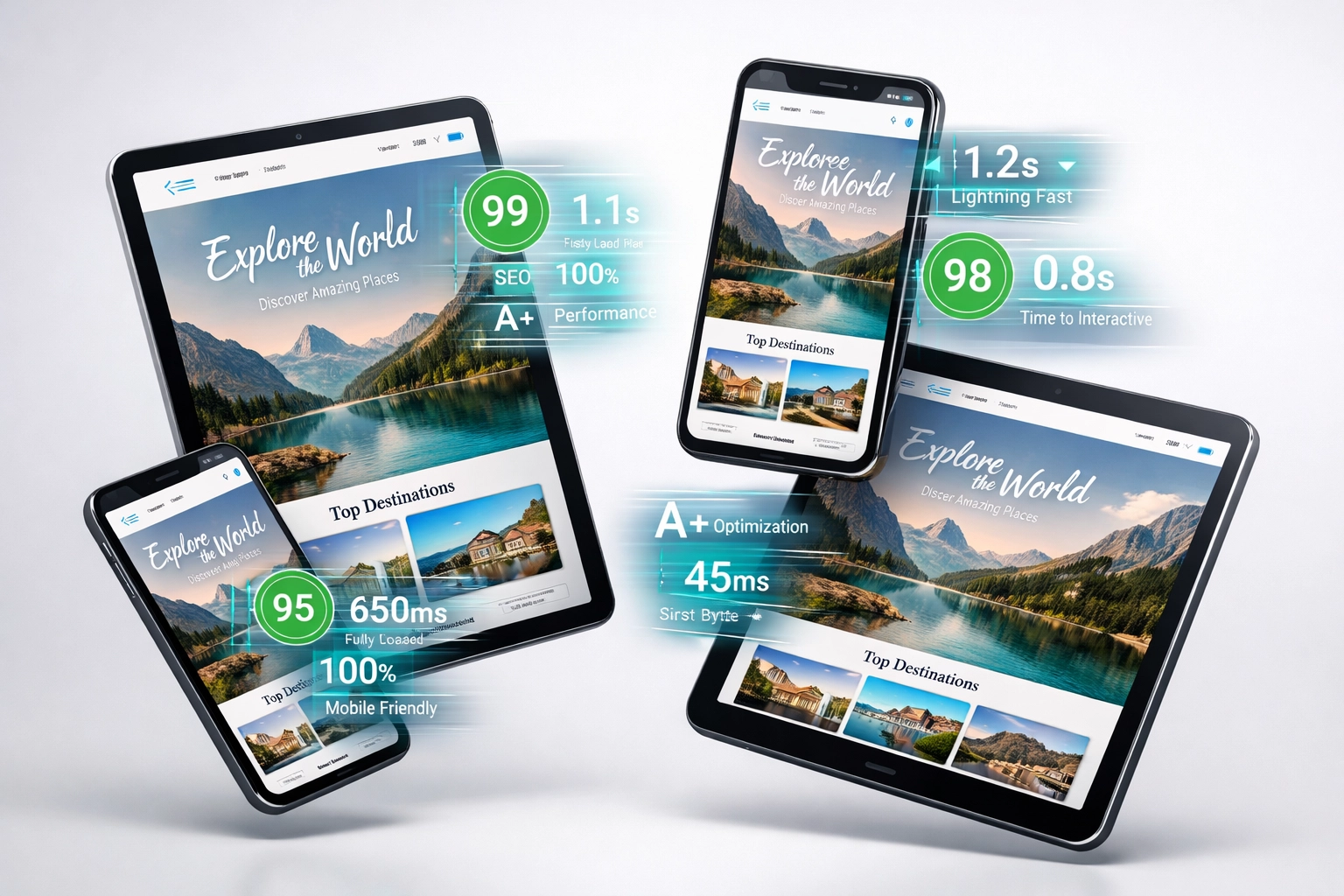
In 2026, Google will use “mobile-first” indexing: it’s the mobile version of your site that determines your ranking. Test your site on mobile with Google PageSpeed Insights and check that :
- Your theme is responsive
- Buttons and links are easy to click
- Text is legible without zoom
- Images adapt to the screen
Content and On-Page Optimization: the heart of your strategy
Strategic keyword research
Forget ultra-competitive generic keywords. Concentrate on the long tail: 3-5 word phrases with 100-1000 monthly searches. Use Google Keyword Planner, Ahrefs or SEMRush to identify :
- Search volume
- The difficulty of classification
- Search intent (informational, transactional, navigational)
H1-H6 tag structure
Your article must follow a logical hierarchy:
- 1 single H1 tag per page (your main title with keyword)
- H2 tags for your main sections
- H3-H4 tags for subsections
This structure helps Google understand how your content is organized, and makes it easier to extract information for featured snippets.
Intelligent internal linking
Each article should contain 2-4 internal links to other relevant content on your site. Internal linking :
- Distribute the “SEO juice” between your pages
- Increases time spent on your site
- Google’s guide to exploring your content
- Reinforce your thematic authority
Use descriptive anchors (avoid “click here”) and create natural links in context.
Alternative text for images
Google doesn’t “see” your images, it reads their ALT attribute. Each image must have a descriptive alternative text that naturally integrates your keyword when relevant. Example: alt="dashboard wordpress seo avec plugin rank math" rather than alt="image1".
Also rename your files before uploading: wordpress-seo-guide-2026.jpg rather than IMG_3847.jpg.
Quality content: writing for humans AND robots
In 2026, Google’s algorithms are sophisticated enough to detect low-value content. Your goal: to create 2000+ words of pillar content that becomes THE reference on your subject.
Characteristics of good SEO content :
- Complete answers to your audience’s questions
- Clearly structured with lists, tables and concrete examples
- Natural keyword density (1-2%, no more)
- Regular updating (re-optimize every 6-8 months)
- Optimization for AI: straight answers to common questions
DS Overseas: your WordPress SEO partner
At DS Overseas, we support international and local companies in the creation and technical optimization of WordPress sites. Our expertise covers the entire SEO chain: technical audit, information architecture, on-page optimization, content strategy and performance monitoring.
Whether you’re launching a new project or upgrading an existing site, our tailor-made approach guarantees maximum visibility in your target markets. Because a well-optimized WordPress site is an investment that will generate qualified traffic for years to come.
Measure and adjust: SEO is a marathon
SEO is never finished. Integrate your site with Google Search Console and Google Analytics to monitor :
- Your positions on your target keywords
- Your organic traffic and its sources
- Your bounce rate and time on page
- Exploration errors and technical problems
Consult this data monthly and adjust your strategy accordingly. SEO is a game of patience: results usually come after 3-6 months of constant effort.
WordPress SEO in 2026 requires rigor, but the results are there: qualified traffic, increased visibility, enhanced credibility. By methodically applying these technical, structural and editorial optimizations, you can transform your WordPress site into a lead-generating machine. And if you want to speed up the process, our team is here to support you.