

The fundamentals of effective lead generation
22 June 2021
How to implement a digital marketing strategy in 2022?
28 June 2022
WordPress SEO involves a number of steps, including content optimization when publishing text on your blog or website.
Today, we’re going to talk about a set of key steps for beginners to optimize content before hitting the publish button.
At first glance, this may seem like too much, but in fact, most of these steps are simple and easy to carry out. What’s more, the few minutes you spend editing the finished text are nothing compared to how much you’ve already spent writing it.
Step 1: Create a catchy title
The title of your article is the most attractive part. Depending on how you’ve constructed your headline, readers will decide whether your article as a whole deserves their attention or not. The way you write your title will determine whether your blog receives a lot of natural traffic from search engines. But as a general rule, bloggers are least concerned about the title of the article.
There are many different techniques you can use when working on your title. Start with a working version of the title, which will form the basis of the final title. Approximately 70 characters are sufficient to ensure that it appears well in search results.
Once you’ve drafted your title, make sure it’s as optimized as possible for your readers (basically, put yourself in their shoes and get creative). Don’t forget to include keywords and phrases in your title: this will increase your chances of attracting your target audience and achieving a better position in the SERPs (search engine result page).
Step 2: Space the text
It’s much easier to read text when it’s broken down into smaller chunks. Long paragraphs should be avoided: 5 to 6 lines are enough to read them without skipping them.
As a rule, when we come across a blog entry, we skim over it to decide whether we should read it more closely. By including subtitles, you can easily convey the meaning of the text to the reader.
Step 3: Optimize images – one of the keys to WordPress SEO
We know that an image added to a page is worth a thousand words. So nothing can harm your page like poor quality, poorly optimized images. So, before you publish your article, make sure that every element of your visual content is the right size and looks good on the screen of any device.
It’s also a good idea to ensure that the logo is loaded in high resolution on your site, as this will help your project stand out from other web content. Also, don’t neglect to optimize the tags and titles of your images. This will make your content much easier to find on the Web.

Step 4: Check links
If you’ve added internal links to your content, take the time to check that they’re working properly. It’s advisable to do this manually to avoid missing a broken link.
And by the way, external links also require manual validation.
Step 5: Test the display on different devices
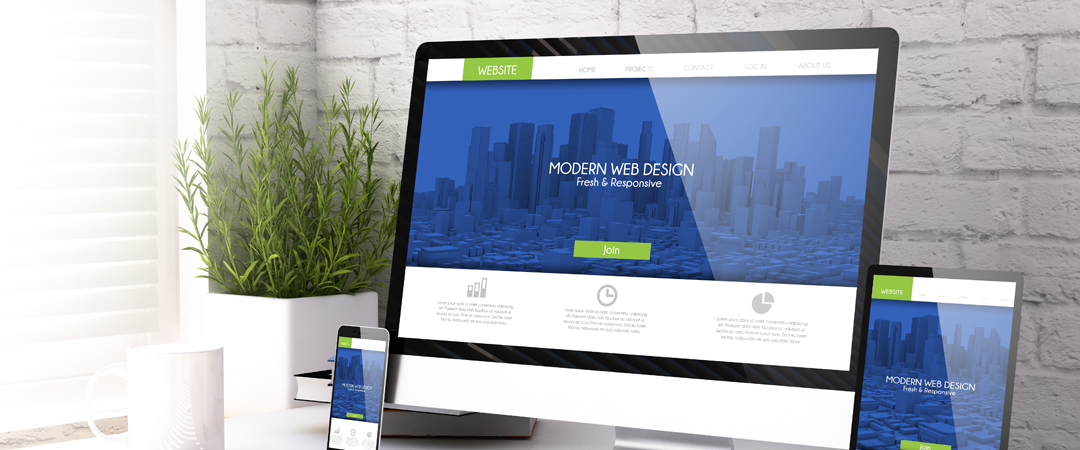
More and more people prefer mobile devices when they need to find out the latest news or read something new about topics that interest them. So before you publish any content, check the accuracy with which the data is displayed on screens of different sizes.
A website built on a responsive platform is always potentially very beneficial. This is because you don’t need to develop separate versions of the site for desktop and mobile devices, which saves you time and money.
Conclusion
It’s very important to have these notions of WordPress SEO, as there’s currently a war on the positioning of sites on target queries, which is why we advise you to always pay attention to the points mentioned in this article.