

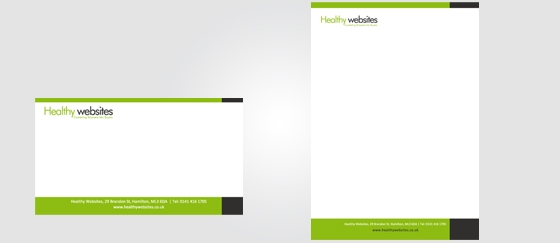
Healhy Websites presentation template
Healhy Websites presentation template, here’s an assignment we’ve successfully taken on!
We have designed a Word Template for our client Healthy Websites.
It consists in presenting a commercial offer to the customer(case study). The design was created in Illustrator CS4 (background mode), then transferred to image mode.
Content and images were added directly to Word. The presentation was composed of 4 pages, of which a web version and a print version were delivered to the customer.
The template was designed with the English market in mind, with a modern, dynamic layout and color scheme.
Our customer was delighted with the end result, which enabled him to present his offer in a professional and attractive way to potential customers. The customization of the template for the English market was also highly appreciated by our customer, demonstrating our ability to adapt to the specific needs of our customers.
As specialists in design and digital marketing, we’re proud to have contributed to Healthy Websites’ commercial success with this successful presentation.
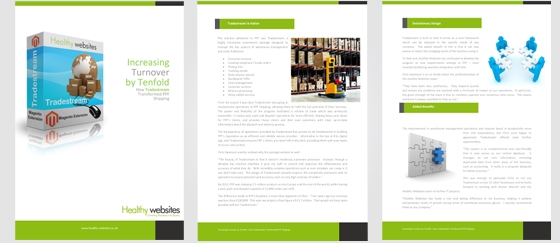
presentation template healhy websites
What is the Word presentation template?
A Word presentation template is a document you can use as a basis for your own presentations. It contains the basic elements needed to create a presentation, and is a good starting point for creating your own slides.
A Word presentation template has the following characteristics:
Title page – This page contains information about the presentation, including title, author, creation and last modification dates, etc. The title page is optional, but recommended if you wish to print your presentation on paper.
Slide master – This function allows you to create a template for all the slides in your presentation. The slide template includes placeholders for text and graphics on each slide, so that they appear consistently throughout the presentation.
Normal template – This template contains the default content that appears when you open a new presentation in Word. It contains no design elements, but has placeholders that allow you to insert content into each slide when you’re ready to start working on it.
Customization tools – These tools let you customize the look of your slides by changing colors, fonts or layouts.
The project (Healhy Websites presentation template) was completed in September 2012.